Build in 3D
Use square and triangular pieces, walls, floors, roofs, doors and deployables. Choose materials and check placement in the scene.
Lay out your base in the browser, check material costs and walk through its rooms before spending resources in the game.
Published designs are free to view without signing in. Creating and saving your own designs requires Premium.
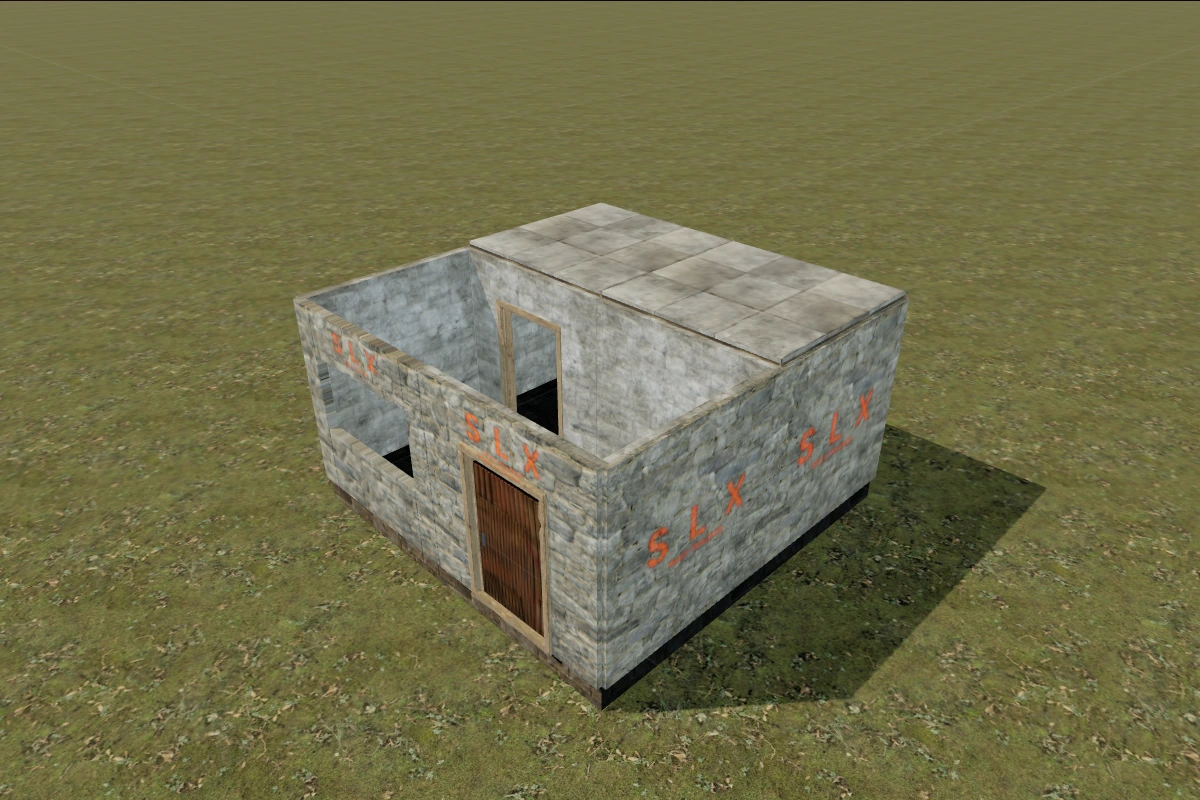
Use square and triangular pieces, walls, floors, roofs, doors and deployables. Choose materials and check placement in the scene.
The estimate updates with your design. In Resources, compare it with connected storage and select a design as a building goal.
Walk through your rooms and check clearances. Changes can be undone; your own design stays private until you publish it separately.
01
Sign in, open the builder and name your project. Creating and saving designs requires Premium.
02
Open the building plan, place a foundation and add walls, floors and deployables. Choose a material and check the estimate.
03
Walk through the base and check your item placement. Changes save automatically; prepare a cover and publication separately.
Yes. Browse the catalogue, published designs, 3D views and estimates without signing in. Creating and saving your own projects requires Premium.
The estimate uses the selected building pieces, their materials and placed deployables. It helps you prepare resources; it does not build anything or spend your items in the game.
Geometry, placement and support checks approximate Rust. Full parity with the game is not guaranteed: verify a design in Rust before spending resources.
Projects are private until published. Publishing is a separate action: choose a cover and description, then confirm public access to the design.
Open the builder for your own project or start by exploring published designs for free.