Skip to content

Slx Rust Tracker

Your Rust base
under control.
Even offline.

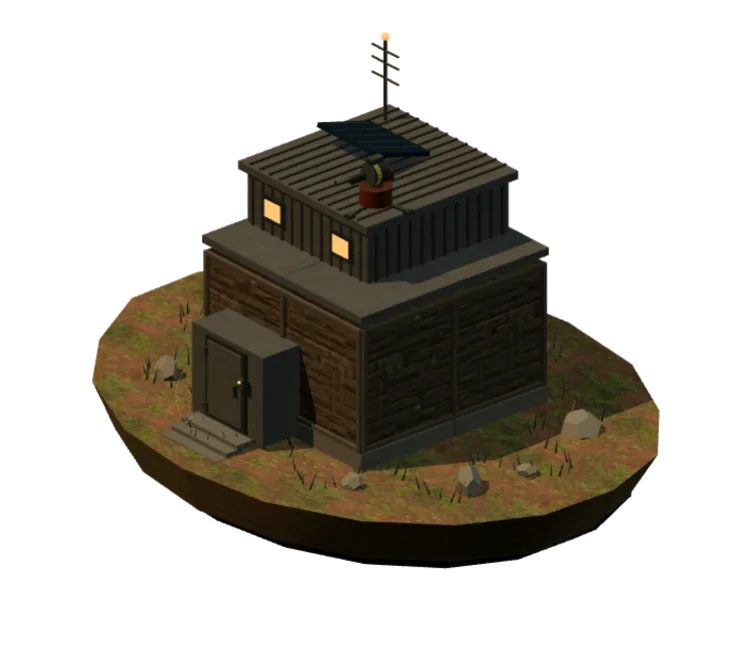
A 3D base design and estimate, raid alerts, player activity and resources in one dashboard. On desktop and mobile.

Design a base

3 Premium days free · no card required

SlxMy baseExample
Rusty Moose · EU Main
Rooftop turret
Power off
Power
Rust+ connected

Inside SLX

See how it works.

Choose a scenario and try the dashboard controls.

Try the dashboard

Example data. Choose a scenario to explore how SLX works.

Interactive example

A signal becomes an alert

A linked Smart Alarm in Raid mode can notify your team and trigger a personal Telegram call when you have separately enabled it.

Example base

Waiting for a signal

The website can be closed while server-side monitoring continues.

This demo sends no notifications or calls.

Three tasks. One system.

Fewer manual checks.
More control.

01 / Protection

Know about a raid,
even after you log off.

Smart Alarm sends a signal. SLX groups repeated alerts, notifies your team and starts a personal Telegram call if enabled.

How protection works
Smart Alarm
Alert and call
The team takes action

Device rules: a trigger, the “Team offline” condition, and an action. Resource-change triggers and automatic switch-off are also available.

02 / Players

See activity.
Understand habits.

The current server, 30-day session history and usual offline window in a player profile. Steam and BattleMetrics complement each other.

Check player
Player analyticsExample
00:0012:0023:00

History helps reveal usual playing hours.

03 / Raid

Base resources.
A clear plan of action.

Resources are collected from your linked resource monitors. See what is ready, what you can craft, and what is still missing for a raid.

Plans and resources
Total stockExample
Rockets12
C44
Sulfur25 200

Open the calculator to compare raid methods and costs.

Cameras, Discord, in-game controls and other SLX features.

All features

Getting started

Connect once.
Use it every day.

  1. 01

    Sign in with Telegram

    A personal profile and separate team workspaces.

  2. 02

    Connect Rust+

    Link your game server to the dashboard using the guide.

  3. 03

    Choose what matters

    Add players, devices or base protection.

Connection guide

Free start

Try SLX
on your own base.

3 Premium days for every new account. Up to 12 more days through bonus actions.

  • Base protection and device automation
  • Player activity and raid preparation
  • Telegram alerts while the website is closed
Pricing
How to get up to 15 Premium days
Total at the start
15
Premium days
3 days for every account + up to 12 days through bonus actions.
3Premium trialAvailable to every new account without a payment card.01
+4Join through an invitationStart signing up using a referral link.02
+2Channel subscriptionA one-time bonus after the subscription is verified.03
+3Telegram channel boostAvailable to Telegram Premium subscribers.04
+1Home screen shortcutAdd the Telegram Mini App to your phone.05
+2#SLXRust in your Steam nameAn initial reward after the tag is verified.06
After the initial reward, the #SLXRust tag continues to earn +1 day every 7 days, up to 4 days per calendar month.

Before you connect

Any questions?

Open guides
Which should I use: the website or Telegram?

The website provides the full Slx Rust Tracker dashboard and all settings. Telegram is convenient for quick commands and mobile alerts.

How do I sign in to Slx Rust Tracker?

Sign-in is confirmed through the @SlxRustTrackerBot bot.

How can I get up to 15 Premium days free at the start?

Every new account gets 3 days of Premium. Up to 12 extra days come from joining through an invitation, subscribing to or boosting the Telegram channel, adding the Mini App to your home screen, and using #SLXRust in your Steam name. Boosting requires Telegram Premium; referral days require joining through an invitation. After the initial 2-day tag reward, the tag can earn another day every 7 days within the monthly limit.

Do I need to install an application?

No. The Slx Rust Tracker dashboard works in a browser on desktop and mobile.

Will Slx Rust Tracker call me on Telegram during a raid?

Yes, if a Smart Alarm is linked through Rust+ in Raid mode and you separately link and enable personal Telegram calls. A service account makes an incoming call even when the website is closed. Test a call and check Telegram call permissions before a raid.